
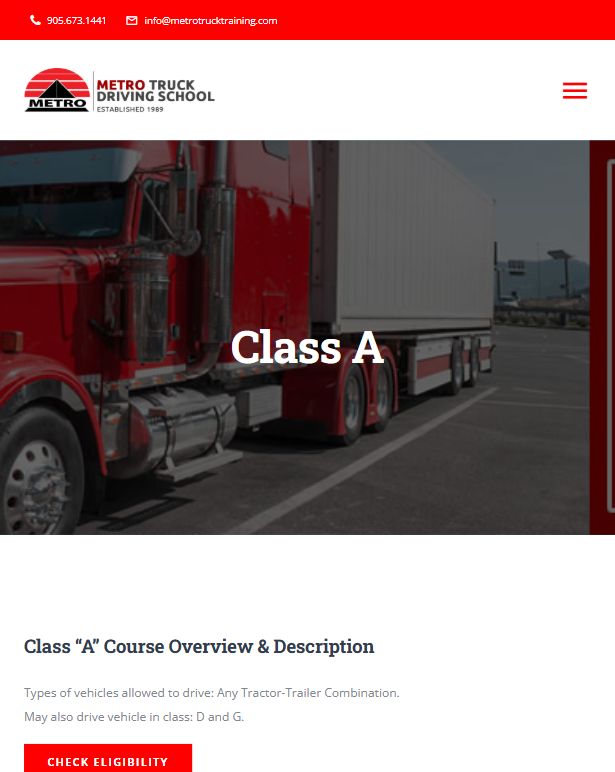
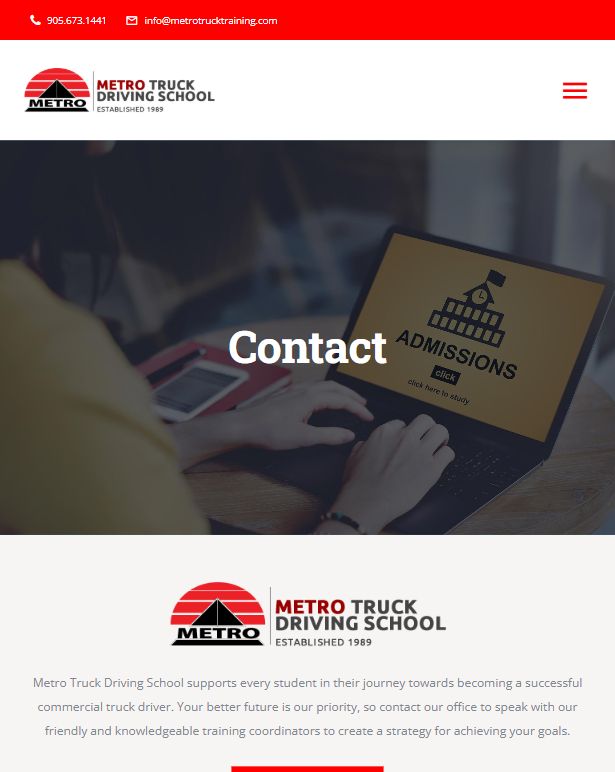
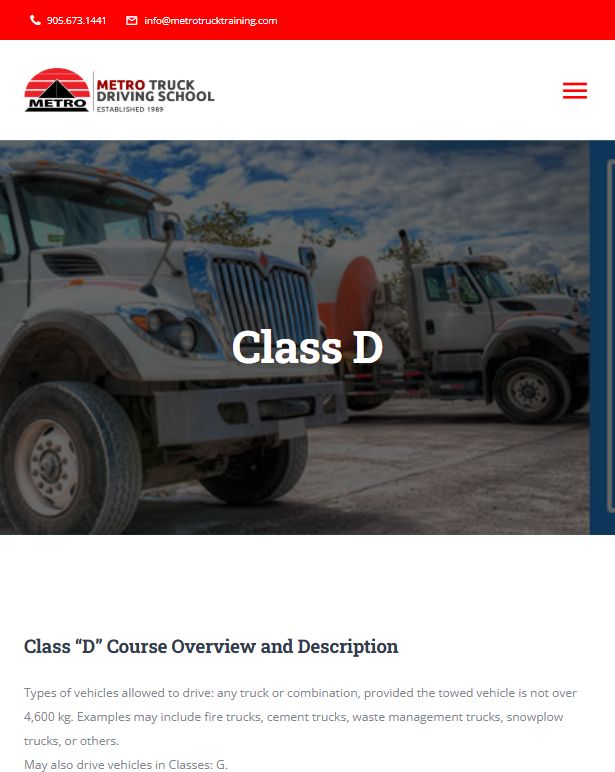

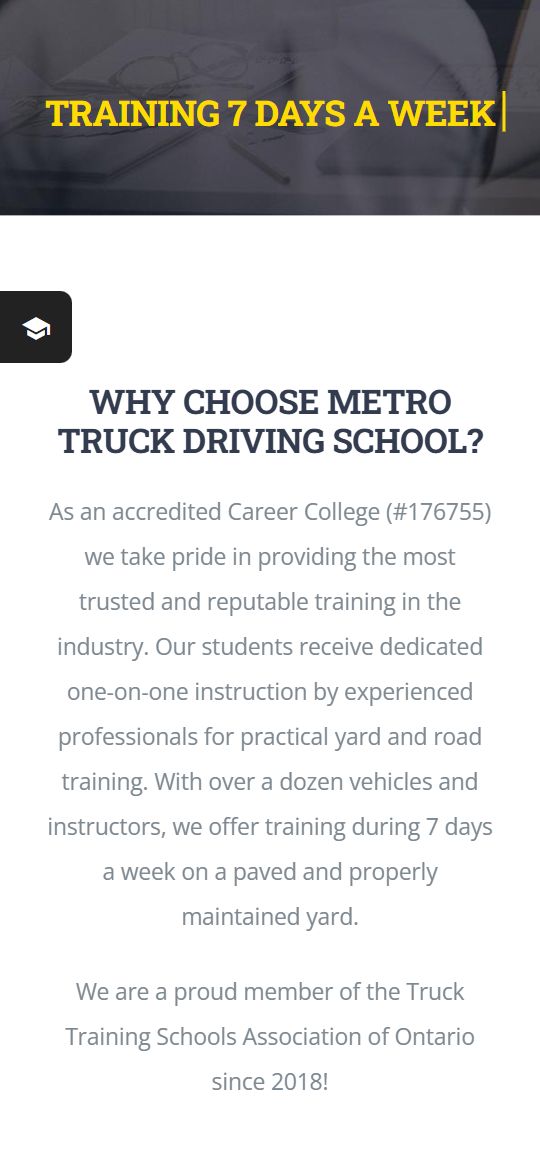
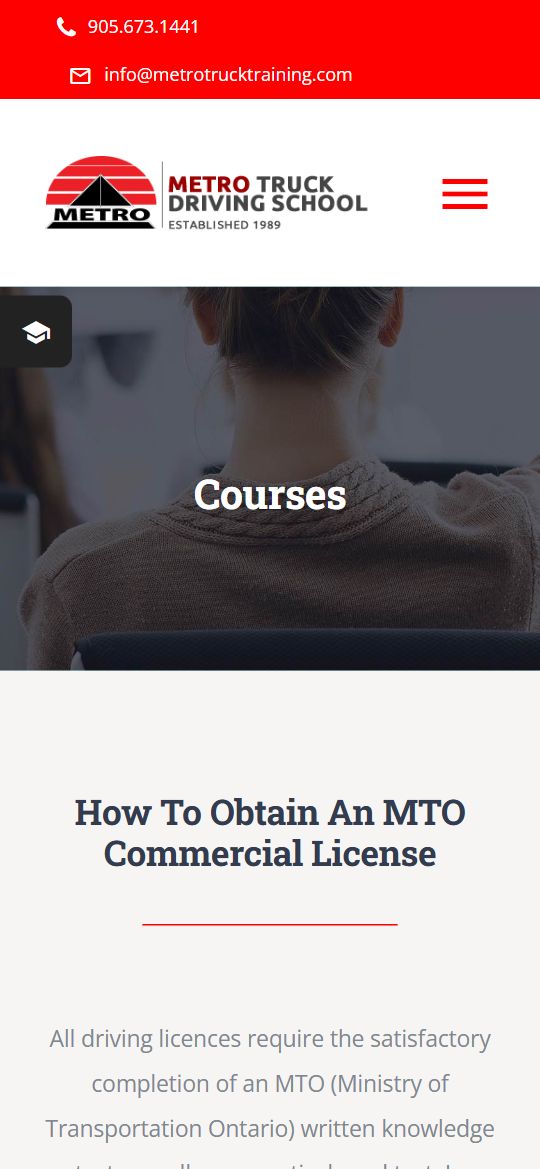
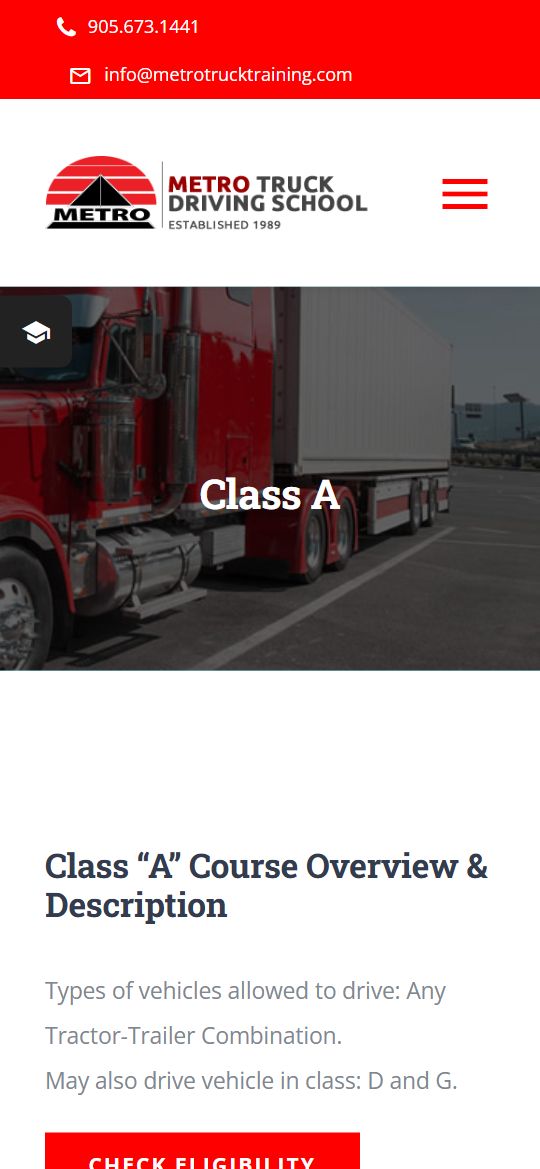
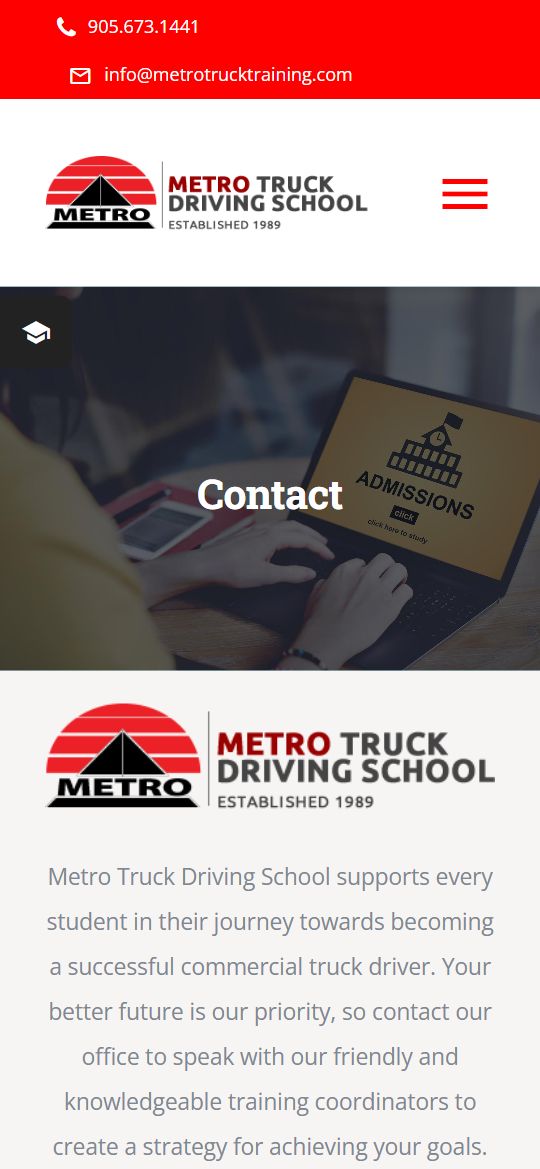
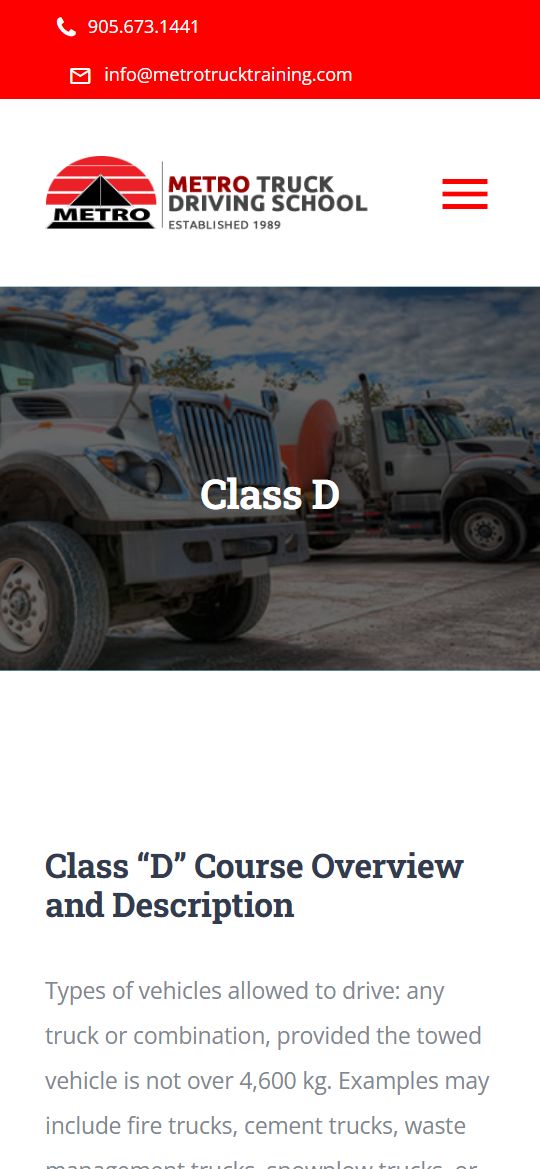
Metro Truck Driving School

A UI/UX redesign for Metro Truck Driving School, an award-winning Ontario truck driving school with 30 years of experience, making it simple for new drivers to find the right licence course and apply online.

  • Sector Driver Training
  • Type UI/UX Design
  • Tool Figma
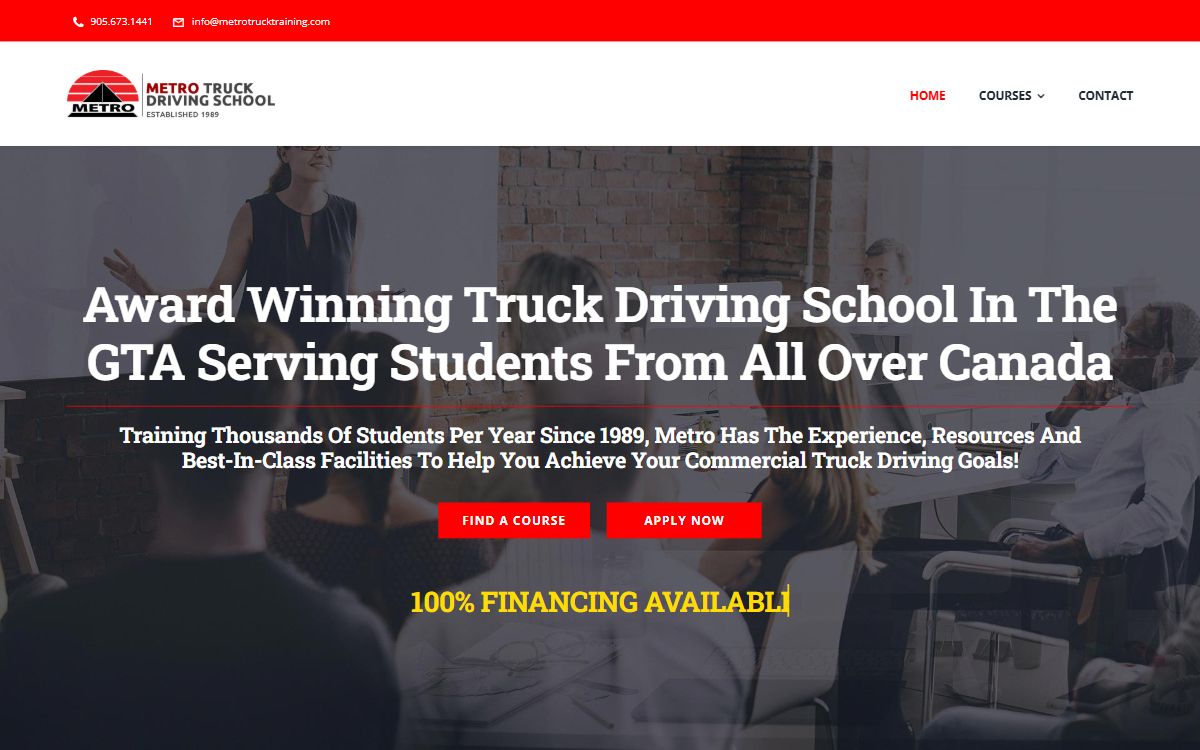
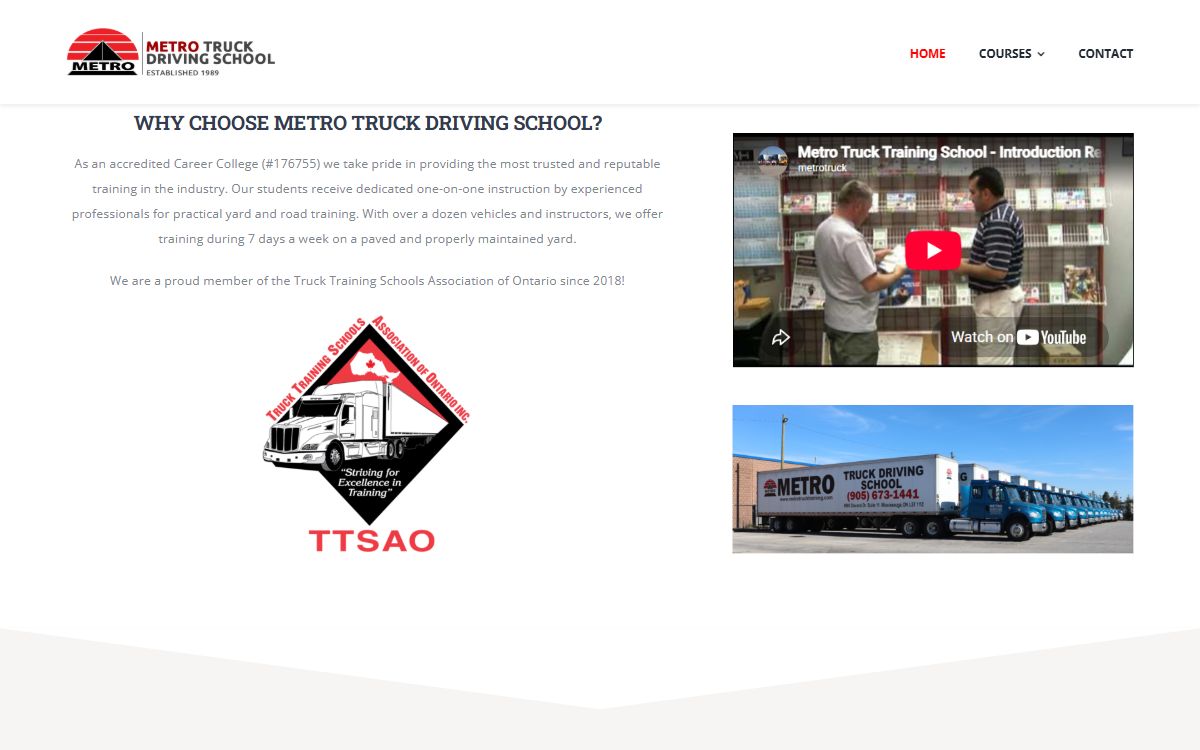
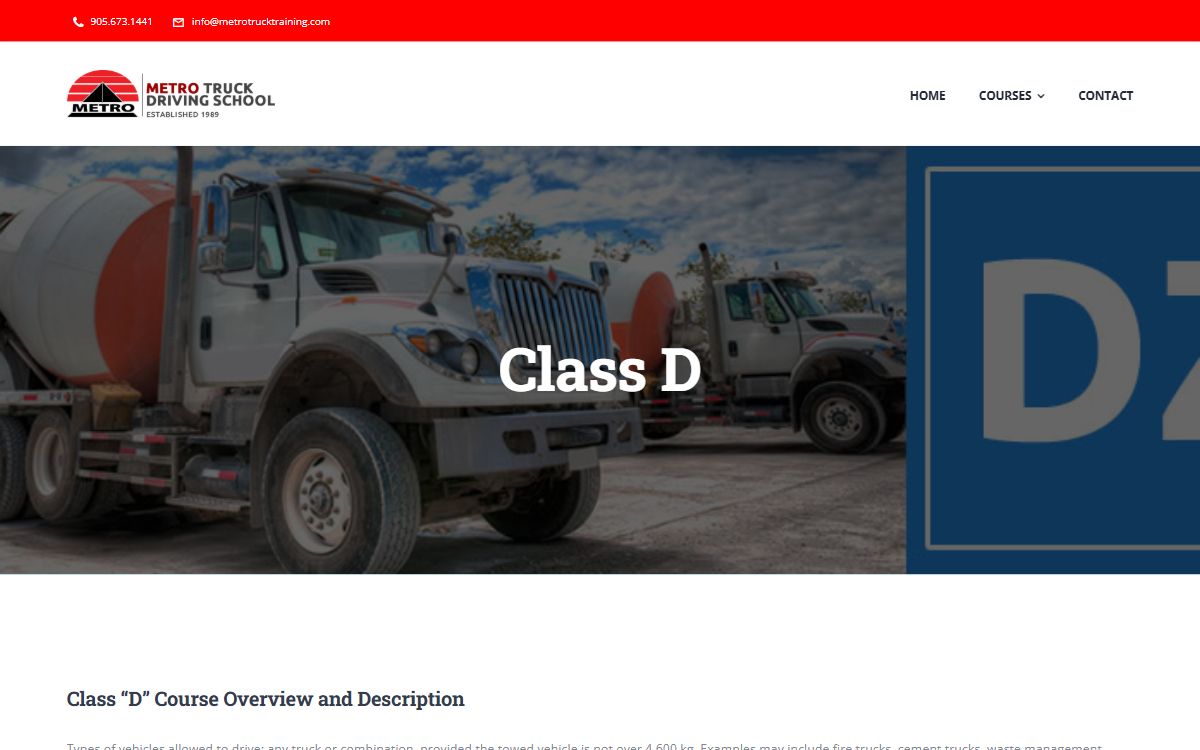
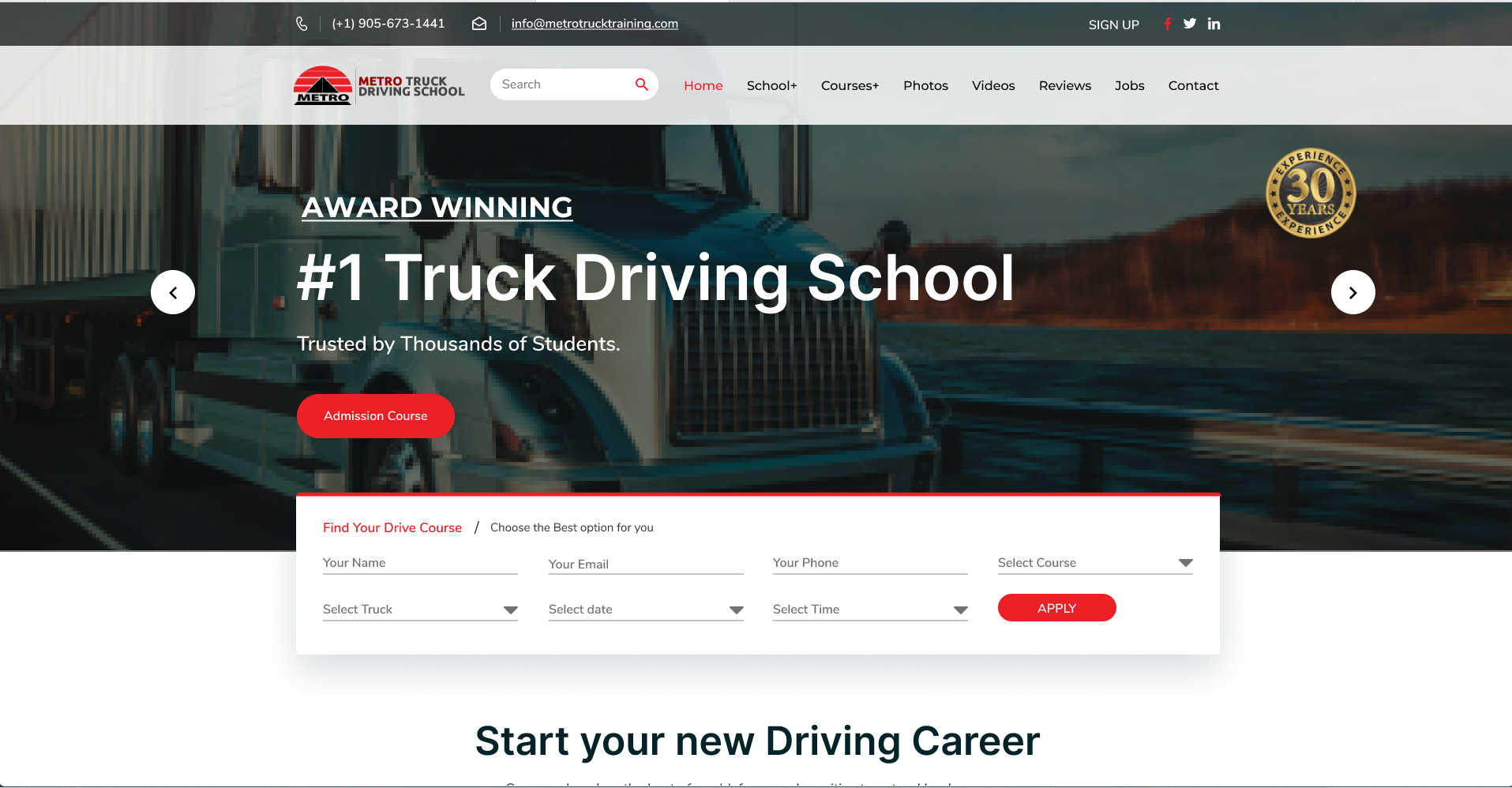
Metro Truck desktop: home: award-winning truck driving school, with Find a Course and Apply Now
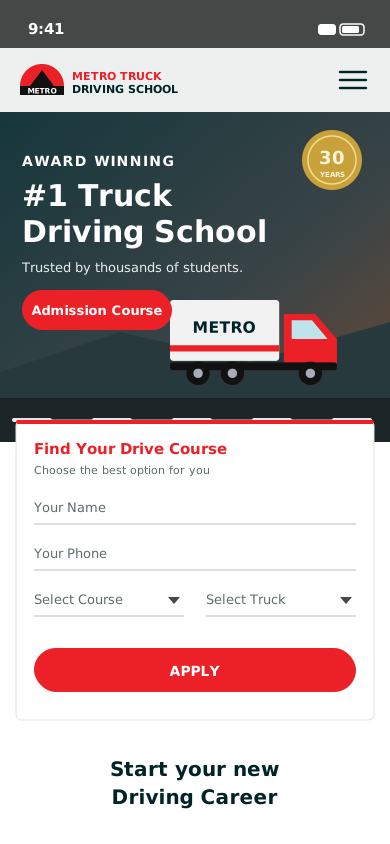
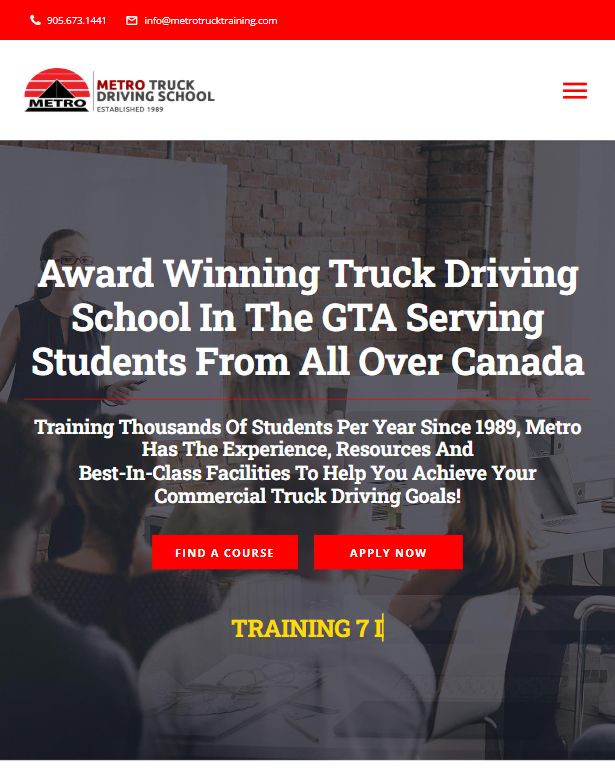
Metro Truck mobile: home: award-winning truck driving school, with Find a Course and Apply Now

Home — the school's promise and both calls to action up front

Project overview

A trucking career, easy to start.

Metro Truck Driving School wanted a website that answers a new driver’s first questions straight away: AZ or DZ, how long does training take, what does it cost and when does the next class start?

We mapped how students choose a school, then designed a bold, image-led site around that journey, with a course finder right under the hero where anyone can pick a course, truck, date and time and apply in one step.

The brief

What stood in the way, and how we designed around it.

Challenges

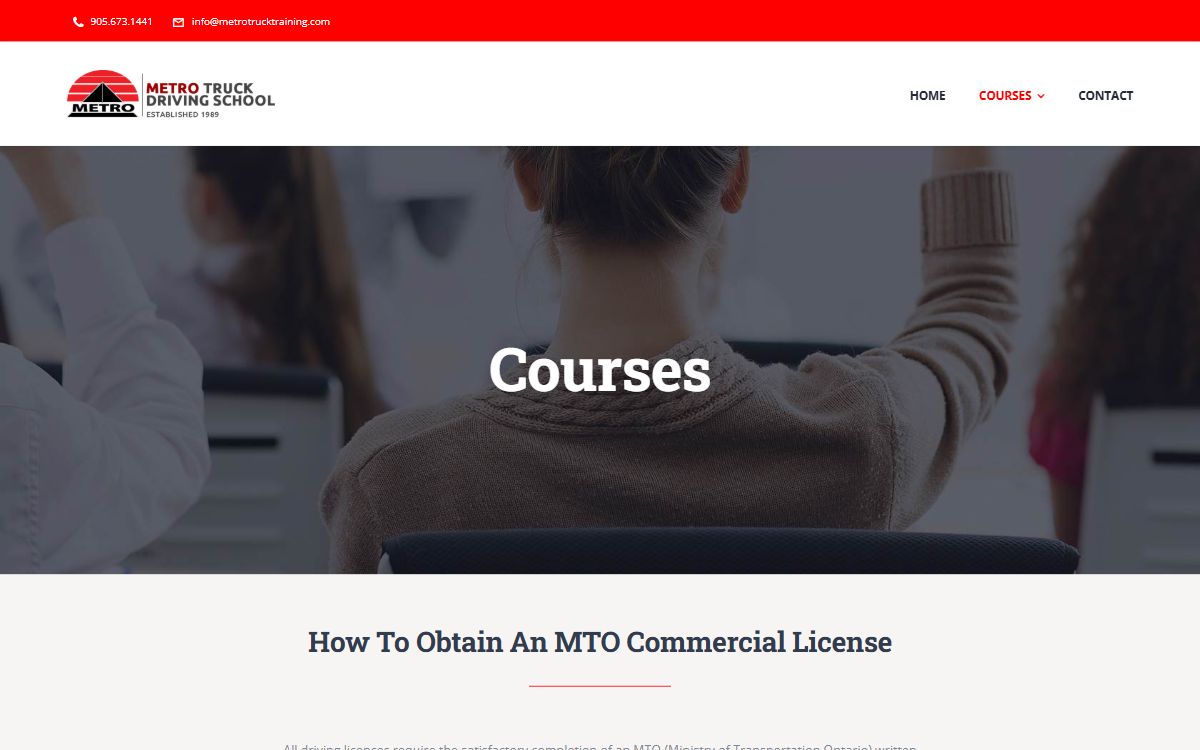
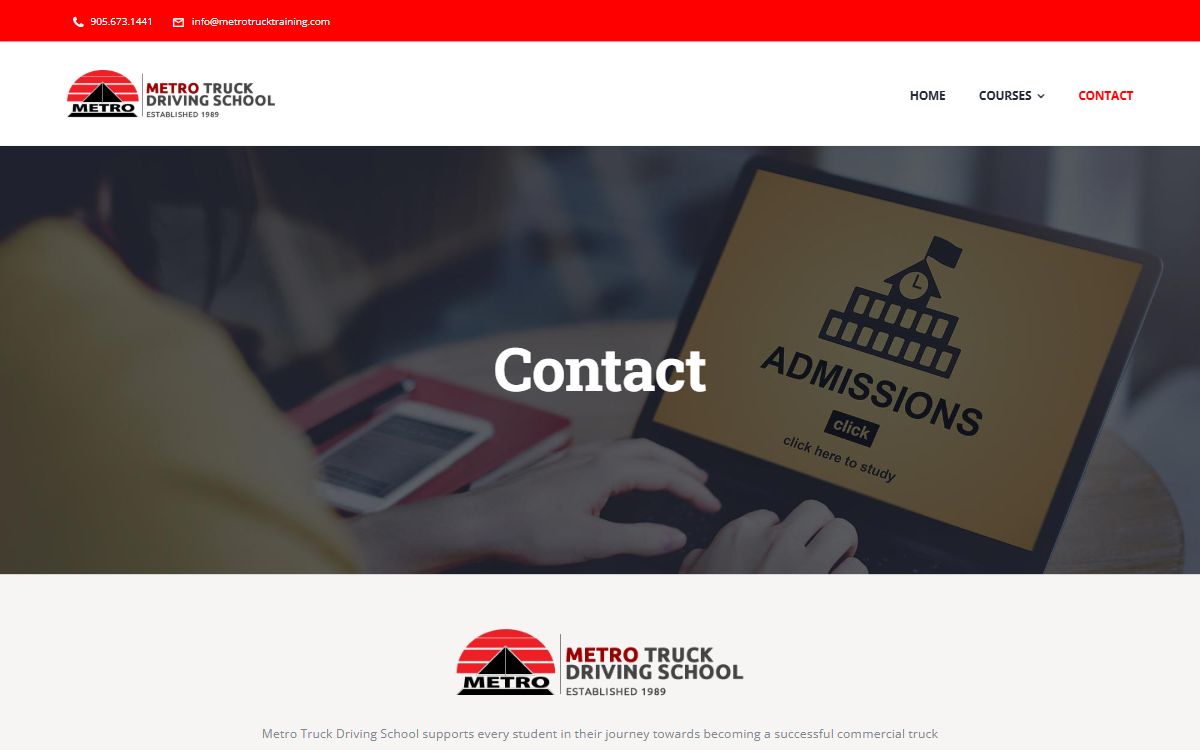
Course details, fees and class dates were spread across different pages, so most students phoned the office just to ask what a licence would cost and when the next class started. There was no way to apply online, and the old site was hard to use on a phone, where most students were looking.

Solution

We designed a “Find Your Drive Course” form right under the hero, course pages that answer the common questions in one place, and an apply flow where students pick a course, truck, date and time in under a minute, all in a mobile-first layout.

Design process

From first question to finished design.

  1. 01

    Discover

    12 student interviews, talks with instructors and office staff, and a review of five Ontario truck schools.

  2. 02

    Define

    Student personas, user journeys and a new information architecture for courses.

  3. 03

    Wireframe

    Low-fidelity layouts for the home page, course pages and the apply flow.

  4. 04

    Design

    High-fidelity screens and a reusable design system of colours, type and components.

  5. 05

    Test & hand-off

    A clickable prototype, usability testing with students and developer-ready specs.

Research

Who we designed for, and what we learned.

Primary persona

The career changer

Daniel Singh, 29 · Warehouse associate

Goals

  • Get his AZ licence and start a long-haul career
  • Know the full cost and funding options up front
  • Train around his warehouse shifts

Frustrations

  • Having to call just to ask about fees
  • Unclear difference between courses
  • No way to see class dates or apply online
“I just wanted to know the fee and when the next class starts. I had to call three times.”
Insight 01

Price and duration decide

9 of the 12 students we spoke to compared fees and course length before anything else.

Insight 02

Phone calls lose people

Most calls to the office were the same three questions: fees, class dates and funding.

Insight 03

Mobile comes first

78% of visits to the old site came from phones, often during a break at work.

Wireframes to UI

Structure first, then the polish.

Low-fidelity wireframe Layout and content order agreed before any visual design.
Final Metro Truck home page design
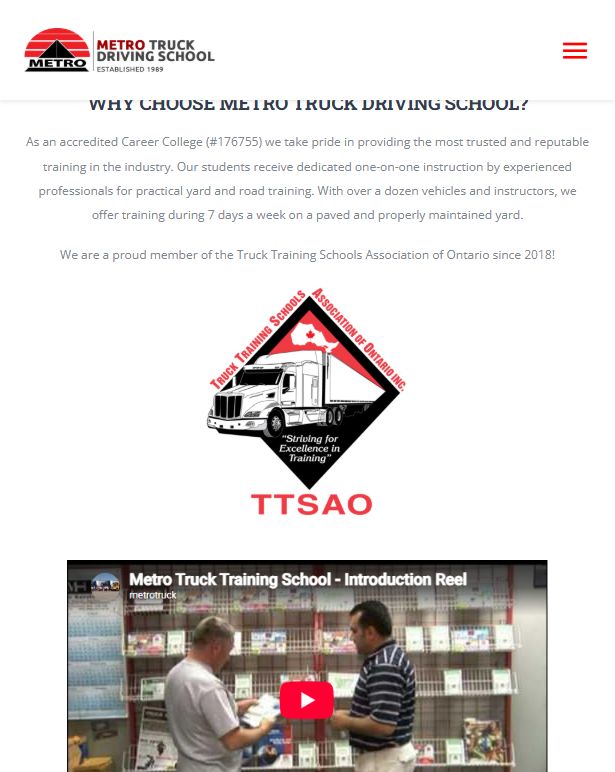
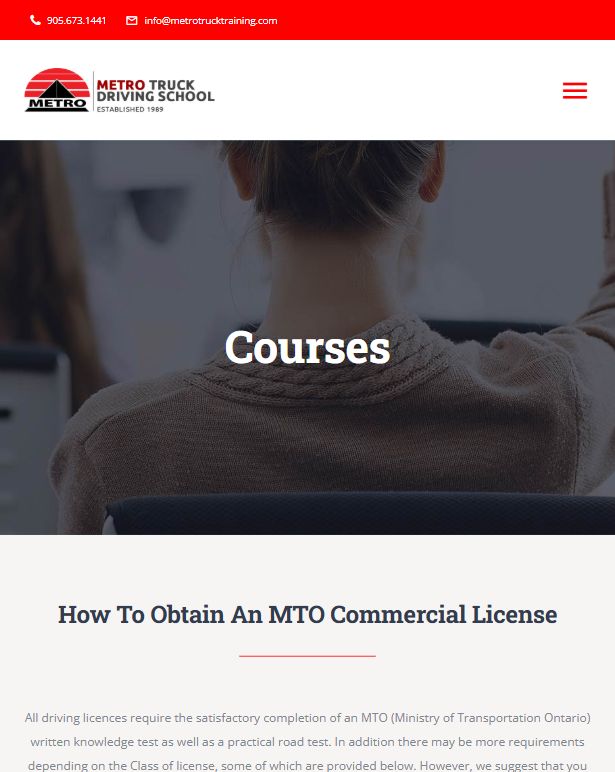
High-fidelity design The same structure with the brand, imagery and real content.
Design system

One kit, every screen.

Colour

  • Metro Red#EC2127
  • Deep Teal#002327
  • Slate#444846
  • Mist#DCDFDF
  • White#FFFFFF

Typography

Headings
Montserrat · Bold
Body
Nunito · Regular

H1 32H2 24H3 18Body 16

Components

Admission Course View courses
AZ licenceDZ licenceWeekend class
Most popular AZ Licence Course 103.5 hours · Class A (MELT) Apply now →
Key screens

Designed for the phone in a student’s pocket.

Metro Truck mobile home screen with the course finder form
Home — the course finder under the hero
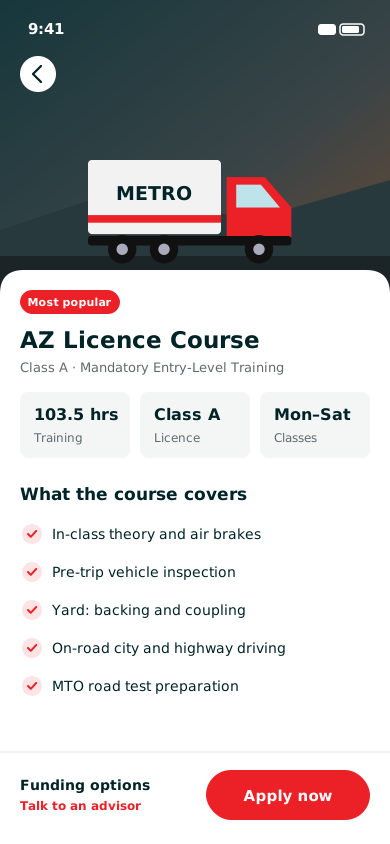
Metro Truck AZ licence course details screen
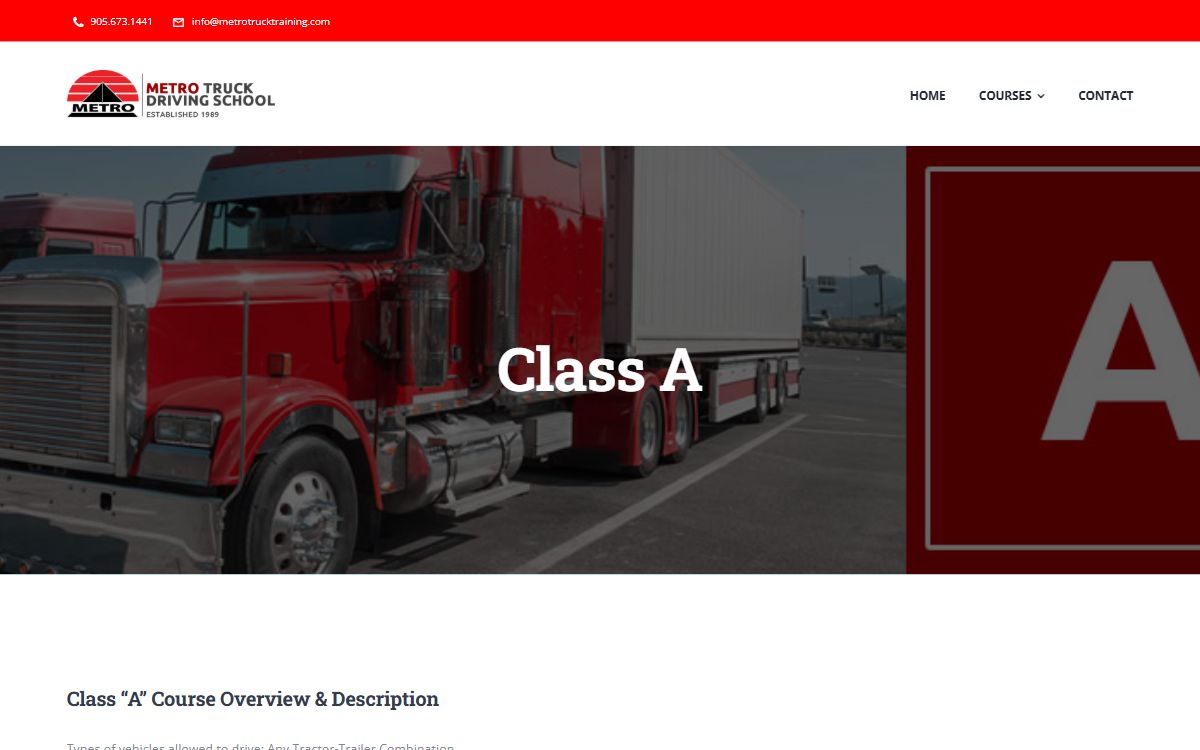
Course details — what the AZ course covers
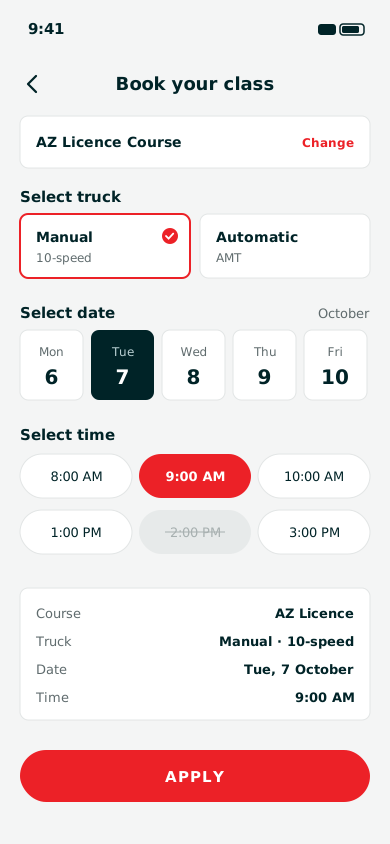
Metro Truck class booking screen with truck, date and time
Apply — pick a truck, date and time
Our role

Research, design and hand-off.

Tools used

  • Figma
  • FigJam
  • Maze
  • Google Forms
  • User Research
  • Information Architecture
  • Wireframing
  • UI Design
  • Interactive Prototype
  • Design System
  • Developer Hand-off
Outcome

What changed for students.

  • +64%Online enquiries in the first 3 months
  • 71%Of course applications made on mobile
  • 4.6/5Average rating in usability tests
  • −38%Fewer calls asking about fees
Start Here

Planning a redesign like Metro Truck?

Tell us what you are trying to achieve and we will come back with a recommendation, a rough timeline and an honest budget range.

Get in Touch